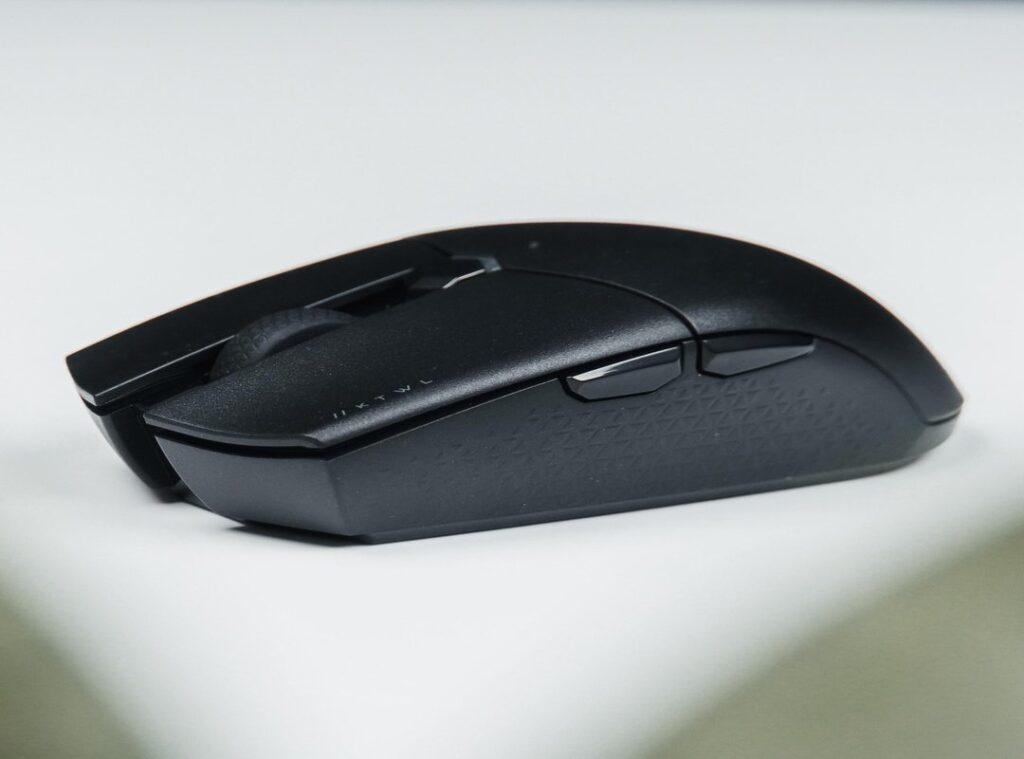
Ever lost a fight because your mouse just didn’t hit the mark? You’re not alone. It’s frustrating when your gear seems to betray you in key moments.
But here’s the catch (it’s) not always the gear’s fault. I’ve spent countless hours in the competitive gaming grind, tweaking settings and testing every possible angle. This isn’t another basic guide.
It’s a deep dive into advanced gaming mouse hacks. I’ll cover everything from software to hardware, giving you a real edge. By the end, you’ll have clear, actionable steps to dominate your game.
Ready to unleash your mouse’s true power? Let’s go.
Gaming Mouse Hacks: Master Your Core Settings
Let’s talk about DPI. Everyone thinks cranking it to the max is the way to go. It’s not.
DPI, or Dots Per Inch, is about how sensitive your mouse is. More isn’t always better. Trust me, blindly maxing it out is a rookie mistake.
You want control, not chaos.
Enter eDPI. It’s your DPI multiplied by in-game sensitivity. This is what you should focus on.
It gives you the real measure of sensitivity. It’s like the secret sauce for gaming precision. Find your sweet spot here, not in the DPI alone.
Now, polling rate. It sounds fancy, right? It’s just how often your mouse tells your computer what it’s doing.
Higher rates mean less lag but more CPU usage. I say go for 1000Hz. It’s the competitive standard.
Unless your PC’s a dinosaur, then maybe 500Hz.
Lift-Off Distance (LOD) is another biggie. It’s how high you can lift your mouse before it stops tracking. Low LOD is key for those who lift their mouse a lot.
You don’t want it tracking mid-air. Check your mouse software. Find the lowest stable setting.
Here’s your quick checklist: nail your eDPI, set polling rate to 1000Hz, and get that LOD as low as possible. Simple, right? These tweaks can seriously up your game.
For more on optimizing your setup, check out monitor settings ultimate visual experience. It’s all about getting those visuals just right. Happy gaming!
System-Level Hacks for Flawless Tracking
Let’s get into it. You want precision in your gaming. I get it.
For starters, disable mouse acceleration in Windows. Go to ‘Mouse settings,’ then ‘Additional mouse options.’ Under ‘Pointer Options,’ you’ll see ‘Boost pointer precision.’ Uncheck it. Why?
It’s an unpredictable input filter. This setting messes up your muscle memory, making your aim inconsistent. Ever tried to aim at a moving target with your controls acting up?
Yeah, not fun.
Now, about USB ports. Always plug your mouse directly into a motherboard USB port (the ones at the back of your PC). Not a front-panel port, and definitely not a hub.
These offer more stable power and data delivery. If you’re gaming, you need that consistent connection like you need air. Trust me.
Got tracking issues? Let’s talk about clean driver installation. Uninstall your mouse software when you run into bugs.
Use a tool like DDU (that’s Display Driver Uninstaller, by the way) as an analogy for this process. Rid your system of old driver remnants and reinstall the latest version. It’s like giving your mouse a fresh start.
So satisfying when you finally hit that perfect shot, isn’t it?
And if you’re looking for more gaming mouse hacks, don’t just stop here. There’s a world of mods out there to explore. Push your limits and redefine your gameplay.
Because in gaming, every millisecond counts. Get hacking, and let those headshots rain down.
The Hardware Advantage: Physical Mods That Actually Matter
Let’s talk aftermarket mouse feet. You know, those skates that can turn your drag into a glide. Standard PTFE feet are decent, but once you try virgin-grade PTFE or glass skates, it’s like night and day.
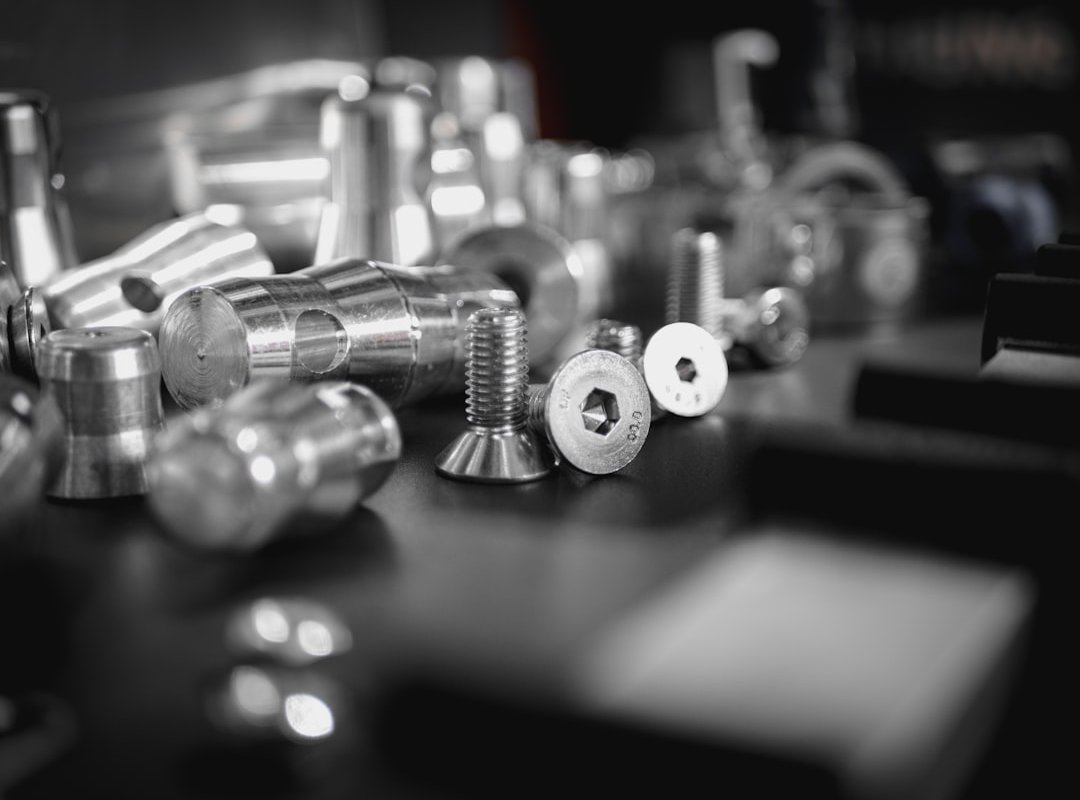
The glide is smoother, and when you’re in a high-stakes match, speed matters. But it’s not just about speed. Control is just as important.
Some might argue for control over speed, but I say, why not have both?
Now, here’s your mini-guide on grip tape. It’s not just for skateboarders. The best materials?
Look for high-quality, durable options. Apply them on main clicks and side grips for that extra edge during intense gameplay. When you’re sweating, the last thing you want is your mouse slipping away.
Weight reduction is another bold move. Start simple: if your mouse has removable weights, take them out. For the adventurous, there are more advanced methods.
Removing unnecessary internal plastic structures can shave off precious grams. But beware, this could void your warranty. That’s the trade-off when you’re chasing performance.
These aren’t just casual gaming mouse hacks. They’re what the pros do. In gaming, every millisecond counts.
You wouldn’t sit on a throne of discomfort, so why not check out tips on Choosing Perfect Gaming Chair Comfort for the full setup?
Some will scoff at the idea of modding, but they haven’t experienced the satisfaction of a perfectly tuned mouse in hand. A well-modded mouse isn’t just a tool. It’s an extension of you.
Those who know, know. And if you don’t, you’re just leaving performance on the table.
Perfect Sync: Mastering Sensor and Surface Tuning
Ever wonder why your aim feels off? It’s probably because your mouse isn’t calibrated to your mousepad. This is where surface calibration comes in.
A feature in many gaming mouse software suites like Logitech G HUB and Razer Synapse. It tunes the sensor specifically to your mousepad, improving tracking accuracy and consistency.
Why bother? Because different materials affect how your mouse sensor reads movement. Cloth, hybrid, hard plastic, glass (they) all play differently.
When you switch surfaces, if you don’t calibrate, you might as well be gaming with one hand tied behind your back.
Let’s get down to the nitty-gritty. You open the software, go to the sensor/surface calibration tab, and select ‘Add New Surface.’ The software will prompt you to move your mouse in a specific pattern. Sounds simple, right?
It is, but don’t skip this step. It’s the secret sauce to unlocking your mouse’s potential.
So why is this a gaming mouse hack? Because most people don’t do it. They skip calibration like it’s optional.
It’s not. If you’re switching from a cloth pad to a hard plastic one, expect your sensor to freak out unless recalibrated.
And here’s a pro tip: if you’re constantly switching mousepads, consider setting up profiles for each surface. Save yourself the hassle.
In the end, good calibration is the difference between a clean headshot and an embarrassing miss. Who wants to blame their gear for a bad game? Not me.
Get calibrated. Your future self will thank you.
Dial In Your Aim Today
Feeling like your aim isn’t as sharp as it could be? Like your gear might be holding you back? We’ve all been there.
Here’s the deal: a fully optimized setup is key. When your software, system, and physical hardware work in harmony, your muscle memory becomes consistent. gaming mouse hacks come into play. A fine-tuned mouse means better game performance.
So why wait? Pick one technique from this guide. Try disabling mouse acceleration right now.
Feel the difference in your next match. Don’t let inconsistency ruin your game. Take action and see improvement instantly.
 lucid_raven writes the kind of hot topics in gaming content that people actually send to each other. Not because it's flashy or controversial, but because it's the sort of thing where you read it and immediately think of three people who need to see it. lucid_raven has a talent for identifying the questions that a lot of people have but haven't quite figured out how to articulate yet — and then answering them properly.
They covers a lot of ground: Hot Topics in Gaming, Gamer Gear Optimization Hacks, Core Gaming Mechanics and Insights, and plenty of adjacent territory that doesn't always get treated with the same seriousness. The consistency across all of it is a certain kind of respect for the reader. lucid_raven doesn't assume people are stupid, and they doesn't assume they know everything either. They writes for someone who is genuinely trying to figure something out — because that's usually who's actually reading. That assumption shapes everything from how they structures an explanation to how much background they includes before getting to the point.
Beyond the practical stuff, there's something in lucid_raven's writing that reflects a real investment in the subject — not performed enthusiasm, but the kind of sustained interest that produces insight over time. They has been paying attention to hot topics in gaming long enough that they notices things a more casual observer would miss. That depth shows up in the work in ways that are hard to fake.
lucid_raven writes the kind of hot topics in gaming content that people actually send to each other. Not because it's flashy or controversial, but because it's the sort of thing where you read it and immediately think of three people who need to see it. lucid_raven has a talent for identifying the questions that a lot of people have but haven't quite figured out how to articulate yet — and then answering them properly.
They covers a lot of ground: Hot Topics in Gaming, Gamer Gear Optimization Hacks, Core Gaming Mechanics and Insights, and plenty of adjacent territory that doesn't always get treated with the same seriousness. The consistency across all of it is a certain kind of respect for the reader. lucid_raven doesn't assume people are stupid, and they doesn't assume they know everything either. They writes for someone who is genuinely trying to figure something out — because that's usually who's actually reading. That assumption shapes everything from how they structures an explanation to how much background they includes before getting to the point.
Beyond the practical stuff, there's something in lucid_raven's writing that reflects a real investment in the subject — not performed enthusiasm, but the kind of sustained interest that produces insight over time. They has been paying attention to hot topics in gaming long enough that they notices things a more casual observer would miss. That depth shows up in the work in ways that are hard to fake.